
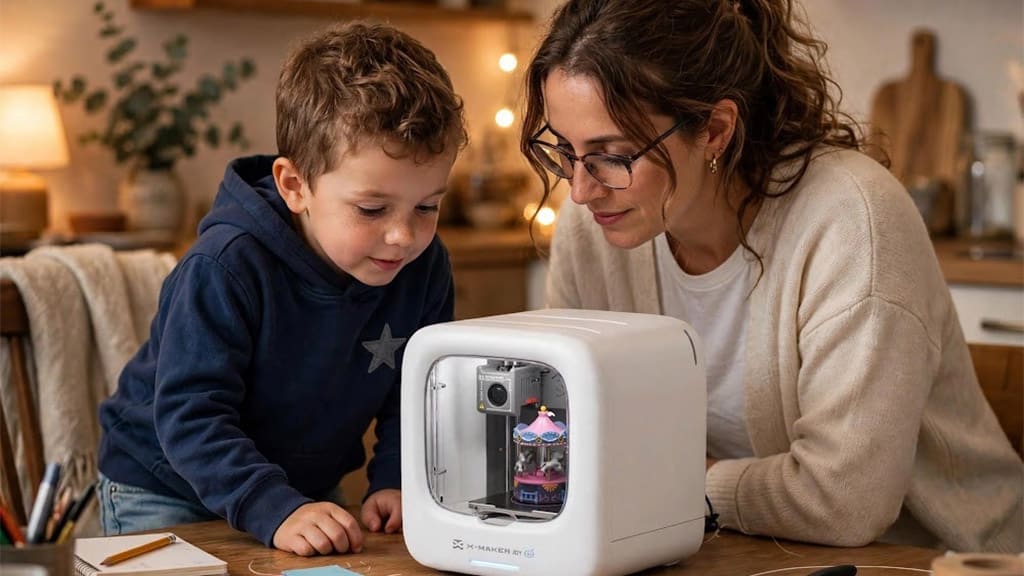
My son received his first 3D printer when he was 6 years old. When I tell people that, it’s usually met with a lot of questions. So young? Why? Wouldn’t a tool like that be too advanced for kids? The truth is, it doesn’t matter whether a printer is too complicated, as long as your kid is at the right age to care about what it does.
At the time, my daughter was 10, so I had the opportunity to watch the same machine land completely differently with two kids four years apart. At each age, my kids played with the machine in their own unique ways, and as they grew, so did their love for it.
We decided to buy the AOSEED X-MAKER JOY AI+. With its small size and enclosed workspace, the printer looked more like a modern kitchen appliance than an industrial tool. I figured if it didn’t work out, at least it would look good sitting in the corner.
Ages 5-7
When we first got the printer, my son’s favorite thing to do was watch it work.
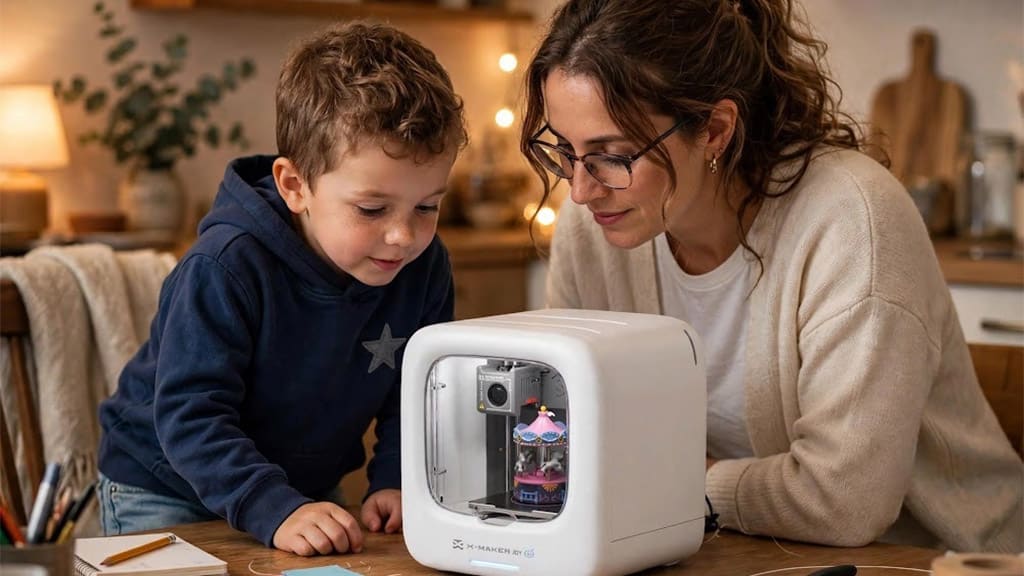
The first print, a little green dinosaur, took almost two hours. He sat on the kitchen floor the whole time, staring mesmerized as the tiny toy came together. He narrated every piece, gleefully crying out, “It’s making the tail! Now it’s the head! Look at its claws!”
He’d get bored waiting on longer projects, so we stuck to short prints — little toys, simple shapes, trinkets that could print in under an hour. Sometimes I’d pick the design, sometimes he would, but the colors? That job was all his, and he took it very seriously.
Honestly, at that age the printer was my project, and he was the assistant. I did the setup. He did the supervising. However, what mattered most was spending time together with my son and watching him light up as another colorful creation popped off the mat.
Ages 8-10
Meanwhile, my 10-year-old daughter figured out the AOSEED app in about ten minutes. By the second day, she was browsing the model library on her own, picking out designs and even starting prints without asking for help.
The AOSEED app goes beyond ready-made designs: kids can turn their own text, photos, or sketches into a printable 3D model with the built-in AI tools, then fine-tune it in the AI Editor.
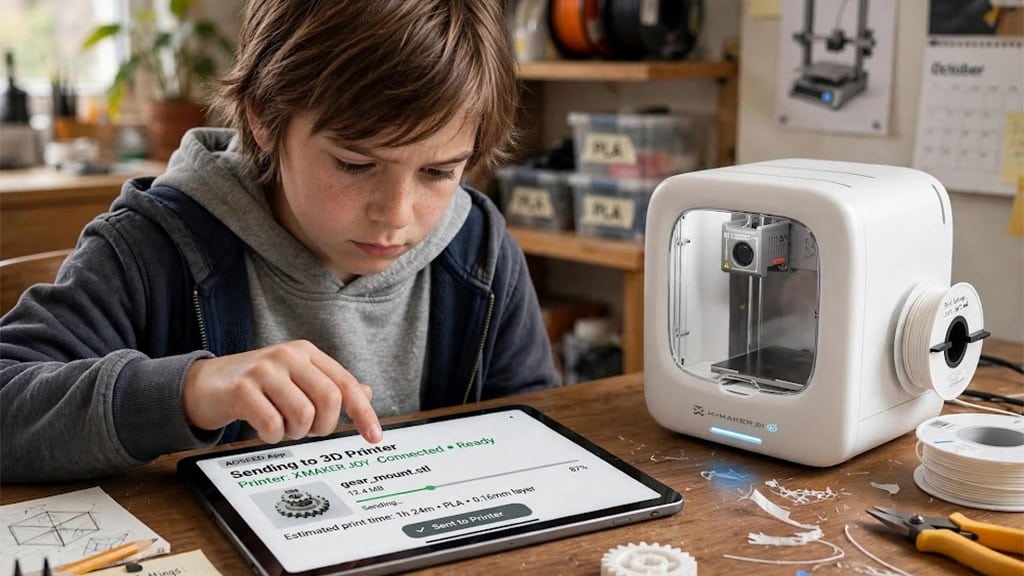
In typical tween fashion, the first thing she printed was a phone stand. However, when it was done, she quickly noticed that the walls were too thin and it wobbled when she set her phone on it. She found the problem on her own, adjusted the design, and her next project was flawless.
I was still supervising, of course, but she didn’t need me for safety as much as talking her down from her more ridiculous — albeit ambitious — ideas. Once, she was utterly determined to print a full-size bicycle helmet. Thankfully, I managed to coax her into a pencil holder first. She was annoyed for about a day, but hey, the pencil holder came out great!
Safety: Printer Placement
Originally, we kept the printer on the dining table, but we learned pretty fast that was a bad idea. It hums — not loud, but constant — and prints can sometimes run for hours. After two days of eating dinner next to a buzzing box, we moved it.
The printer is fully enclosed, with no sharp edges, and carries child-safety certifications, including CPC, CE-EN71, FCC, and RoHS, as well as FDA food-contact compliance.
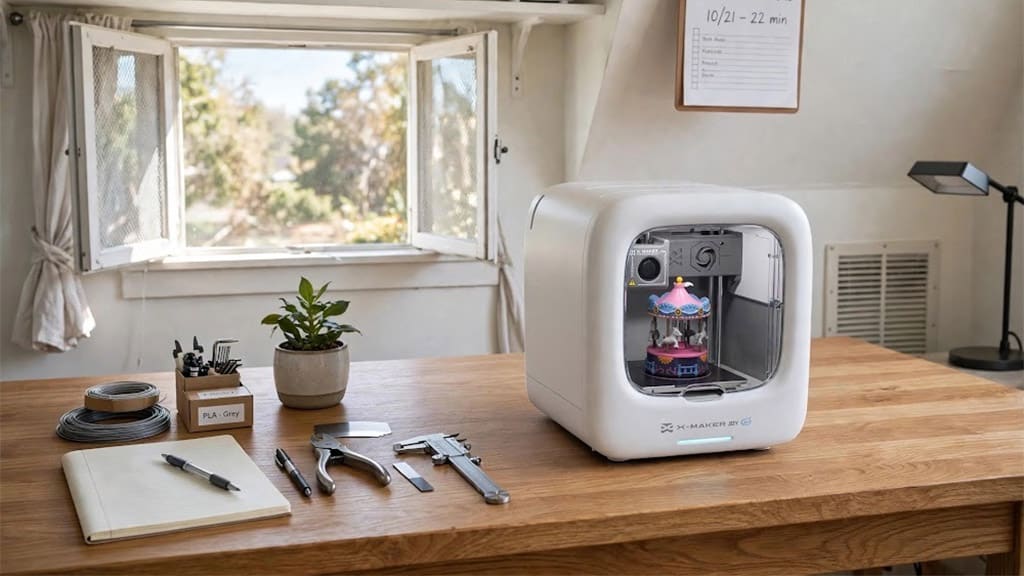
Now it lives on a sturdy desk in the corner of the playroom. It’s worked out perfectly; the stable surface makes sure prints don’t come out wonky, while the open window provides decent airflow. Just make sure to take Tag outside, unless you want your print to fail four hours in because someone bumped the table. Learned that the hard way.
We also have a toddler in the house, and while the heated parts are enclosed on our model, I wouldn’t put anything past this 2-year-old. The playroom desk helps keep the printer safely out of her reach. If she’s truly determined to touch it, we can always close the door and play somewhere else.
The No. 1 rule, and I cannot repeat enough, is: do not touch the printer while it is running. My son figured that out fast when he accidentally ruined a project by moving the table. Better lesson than anything I could have said.
Safety: PLA Filament and Materials
As for filaments, we prefer PLA. It’s a standard, plant-based material that’s perfect for beginners, especially because it prints at lower temperatures. It also comes in a wide variety of colors — which, according to my kids, is the only spec that matters anyway.
The PLA filament is a bite-safe kids’ material tested to FDA food-contact standards, so it is designed for little hands and their projects.
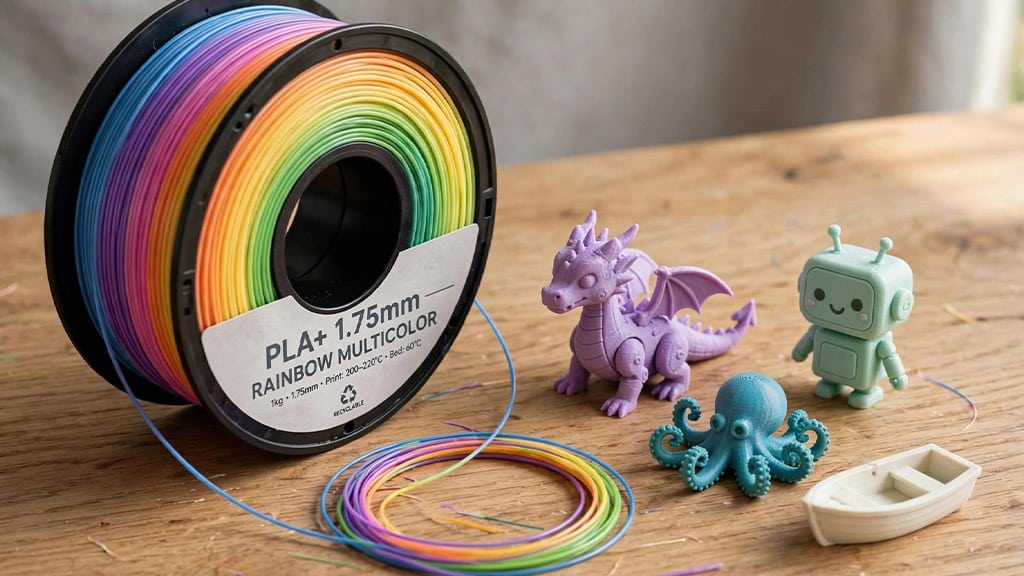
We started with two spools, and that was plenty. No need to stockpile; your kids will develop strong opinions about their favorite colors, and somehow you will be wrong no matter what you buy in advance.
However, do store the spools somewhere dry. We once kept ours in a humid corner, and the prints started coming out rough. We moved them to a closet, and lo and behold, the problem was gone.
Getting Started
For us, the best early prints were small and quick: a name tag for my son’s school bag, a pencil holder for my daughter, a toy turtle that took about ninety minutes.
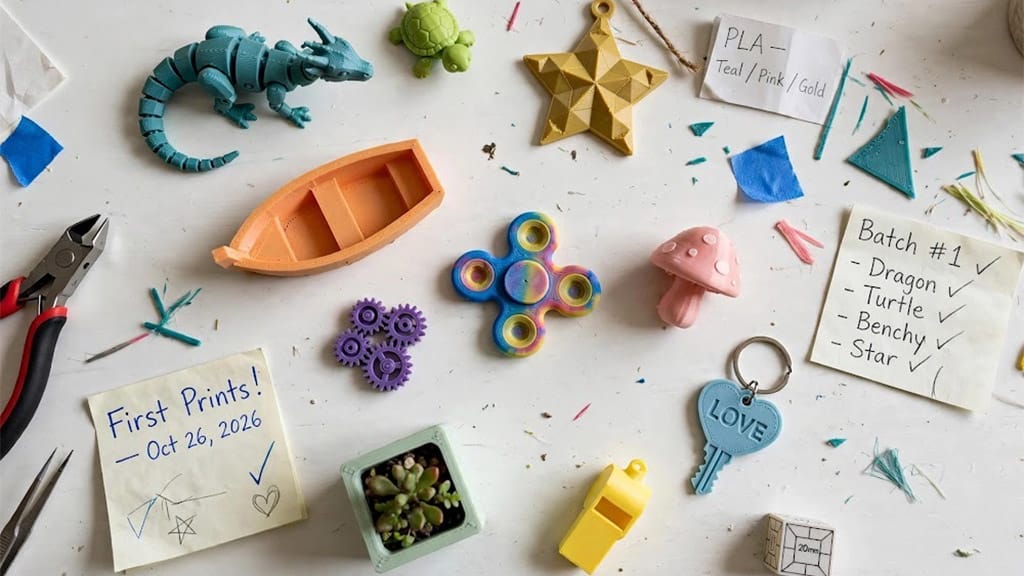
As my kids grew more confident, their projects gradually became more complex. For example, my daughter tried her hand at an articulated lizard, complete with moving parts that printed all in one piece. It took her two tries, but it finally worked! She was so proud that she carried it around for a week, showing off her work to everyone she knew.
My best advice for beginners: start small and build up. And when something goes wrong, as it inevitably will, don’t look at that print as a failure, but as an opportunity to learn, get back up, and try again.
Six months later, we’re still putting our AOSEED X-MAKER JOY AI+ to good use. Last week my son asked to print a replacement game piece for a board game, and my daughter is currently designing a desk organizer. It’s stuck around longer than most of the toys under last year’s tree, so the way I see it, it’s a long-term investment in my kids’ imagination.
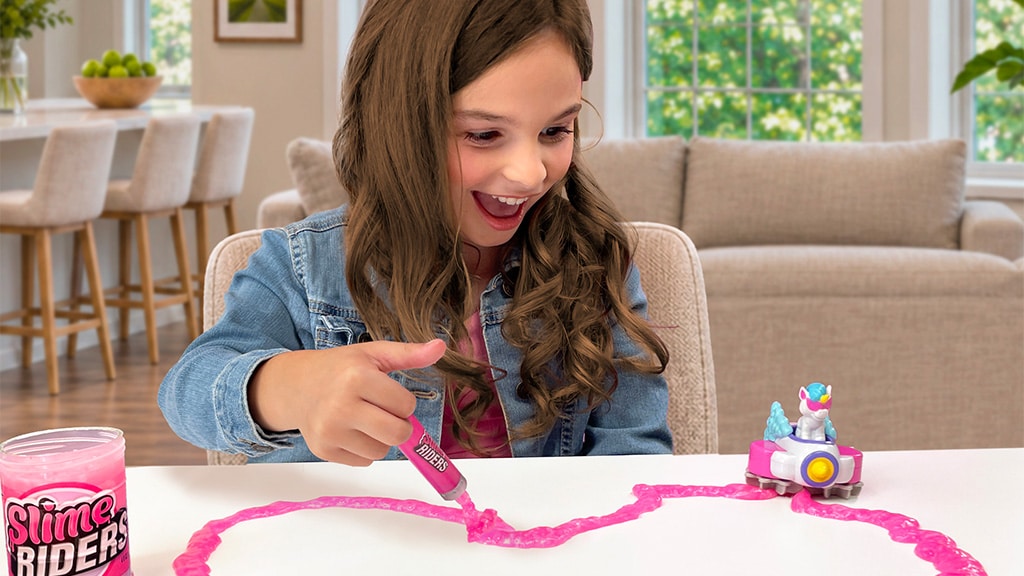
So is your kid ready? If they are 5 years old, expect to do most of the work and let them watch. If they are 8, 9, or 10, get out of the way and let them figure it out. Either way, there’s a whole world of possibilities waiting to be printed, so why wait?
The AOSEED X-MAKER JOY AI+ is available now online with prices starting at just $269. To learn more, visit aoseed.com.
AOSEED X-MAKER JOY AI+
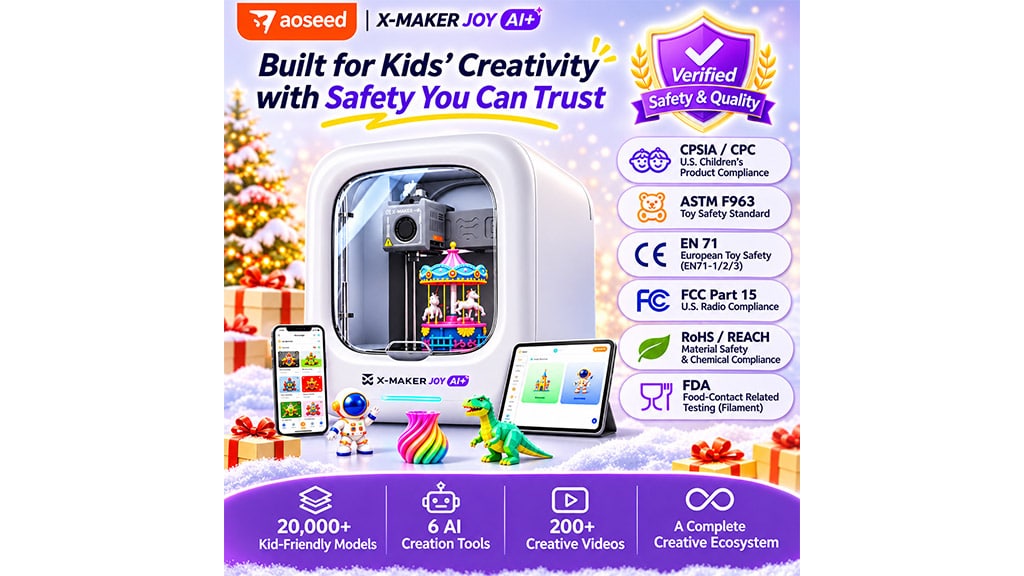
Turn your tabletop into a toy factory with this kid-friendly, enclosed 3D printer. Using the AOSEED app's built-in AI assistance, kids can create custom 3D models with voice, text, or image prompts, then start printing with a tap. The set features everything kids need to get started, including eight PLA filaments, tools, stickers, and more.
