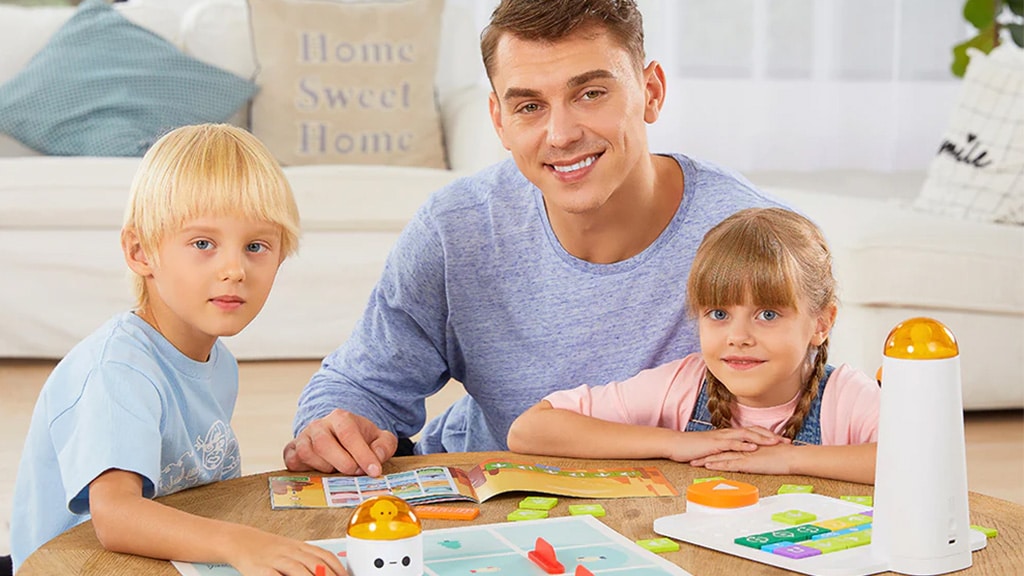
Help the Matatabot explore the map with coding blocks
- Teaches kids the fundamentals of coding
- Screen-free gameplay
- Comes with three challenge booklets for additional project ideas
WHAT IT IS
MatataStudio‘s MatataStudio Coding Set gives kids a new, screen-free way to learn the basics of coding. Using the set’s command tower, coding blocks, and the MatataBot, kids can create simple programs that guide the bot around the included map. Kids then press the big orange button to run the program and learn how the robot responds to their inputs, discover how to make it move around additional obstacles, and more.
WHY WE LOVE IT
This set doesn’t require advanced reading skills or knowledge of screen navigation, as it uses only coding blocks, making it easy for kids to experiment with different inputs. If there’s a bug in a program and the MatataBot doesn’t move around as it should, kids can simply rearrange the blocks to fix it. Kids can engage in advanced STEM play with the set’s included challenge books, which feature more complex algorithms. The set also includes a two-tiered storage case to keep the blocks and smaller pieces together and tidy when not in use.
IMPORTANT THINGS TO KNOW
Kids can use household objects and toys to create obstacles for the MatataBot to navigate, adding more challenges to solve. We recommend dedicating a wide, empty table, free of other objects, to set up the map, providing a flat surface for the MatataBot to run on. There are four add-on sets (sold separately) that are compatible with the Coding Set: Artist, Animation, Musician, and Sensor Add-On.
PERFECT FOR
Families looking for a screen-free game; young kids who love robots; STEM play
MATATASTUDIO CODING SET
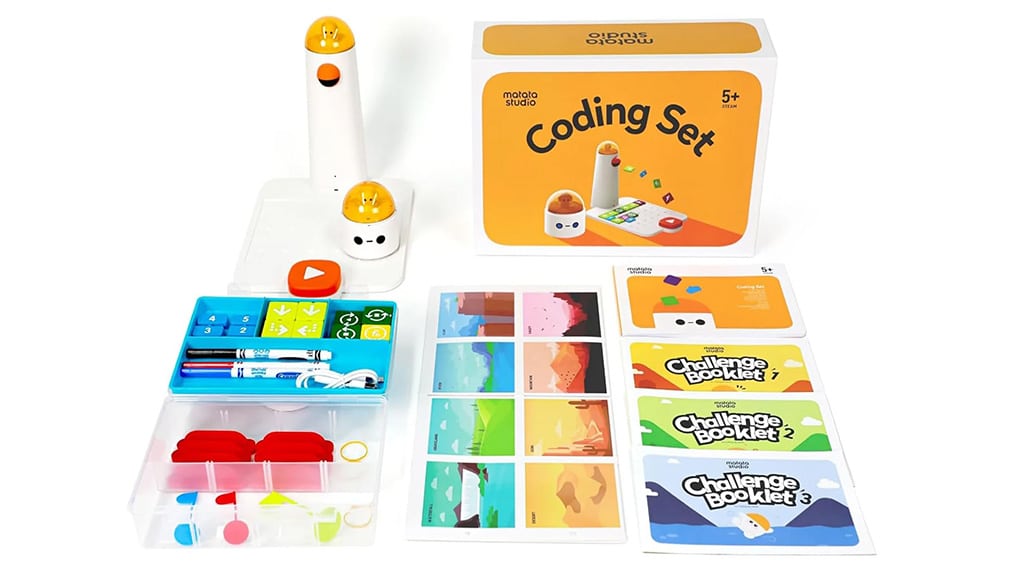
Kids can strengthen their problem-solving skills and learn about coding while controlling a robot car. The set includes the robot car, three challenge booklets, a playground, coding blocks, obstacles, and a command tower and board for entering movement prompts.